Time Tracker Widgets Report
The Time Tracker Widgets report in Report Center summarizes the time recorded in Time Tracker, including billable hours. You can view it in Report Center or add it to ClientSpace pages as a widget.
To open the report:
| 1. | Click Report Center on the ClientSpace menu bar. |
| 2. | Open the Time Tracker Widgets report. |
The following example shows one version of the report.
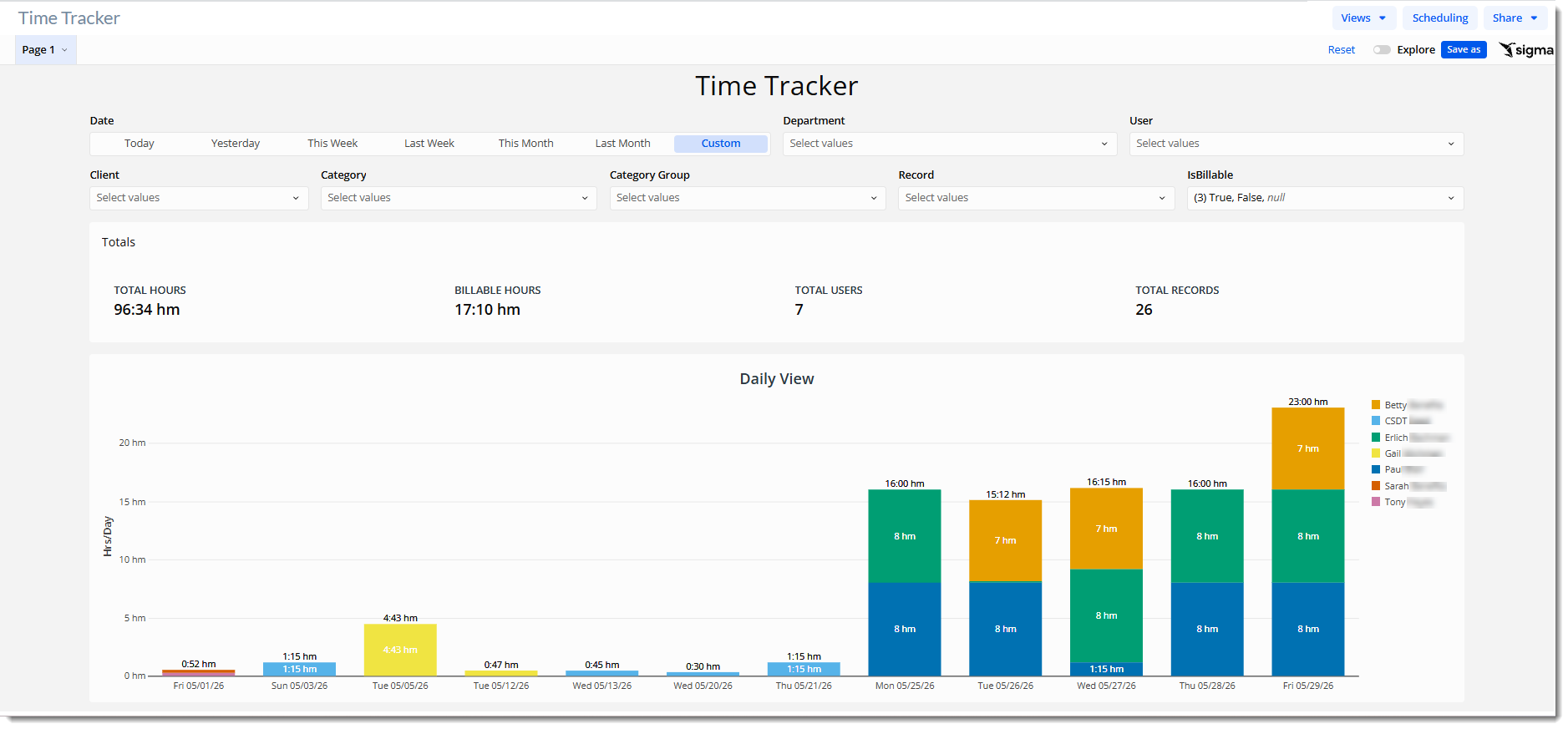
Note: Report Center reports can be customized, so your report's name, filters, totals, and charts may look different from this example.
Adding the Report to a ClientSpace Page as a Widget
You can add the whole report, or a single chart from it, as a widget on a ClientSpace page. See Creating ClientSpace Widgets Using Report Center Workbooks or Views.