Generating and Working with a Dataform Merge Procedure
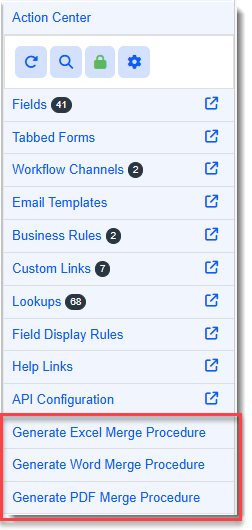
You can generate Excel, Word, and PDF merge procedures on standalone and parent dataforms containing all dataform fields. (Parent dataform merge procedures include the related tab form fields.) To generate a merge procedure, click any of the following links from the Action Center of Dataform Properties:
-
Generate Excel Merge Procedure
-
Generate Word Merge Procedure
-
Generate PDF Merge Procedure
Once you generate a dataform merge procedure, you can access it from Merge Admin (System Admin  > Outputs > Merges).
Detailed steps are provided below.
Generating a Dataform Merge Procedure
To generate a dataform merge procedure:
-
Go to System Admin
> Advanced > Dataform Admin.
The Dataform Admin dashboard opens. -
Open the desired dataform by clicking the Open
 icon next to a dataform in the grid OR by clicking the line item of the dataform in the grid to select it and then clicking Edit.
The Dataform Properties window displays.
-
In the Action Center, select the desired merge link.
A confirmation message displays indicating that the stored procedure was generated. The name of the merge file is displayed in bold text along with a note that if any updates are made to the dataform (or any related tab forms), you will need to generate the merge procedure again to include those changes.
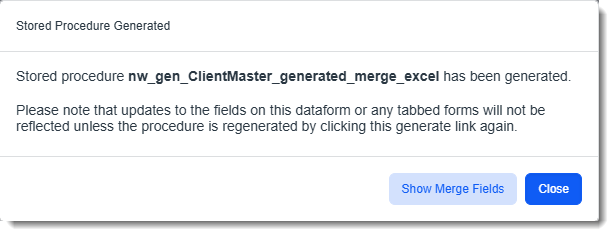
-
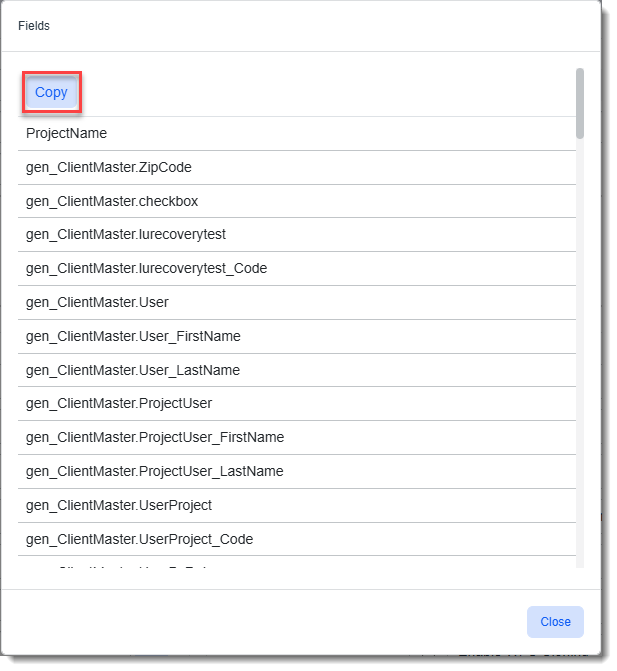
Optional: Click Show Merge Fields on the confirmation message to view or copy the fields included in the merge to your clipboard and then click Close.
Note: This is the same interface you see when you click the Show Procedure Fields link in the Merge Admin Detail Action Center.
-
Go to Merge Admin to create a new merge file using the generated merge procedure.
Creating a Merge File with the Generated Dataform Merge Procedure
To create a merge file with the generated dataform merge procedure:
- Go to System Admin > Outputs > Merges.
The Merge Admin dashboard opens.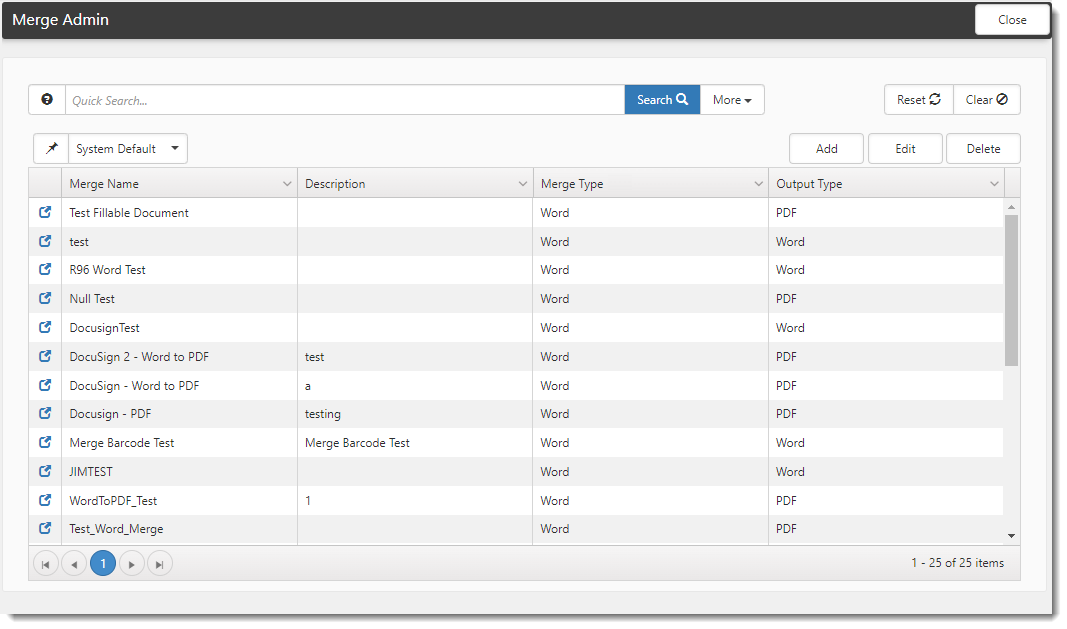
- Click the Add button.
- Complete the applicable fields, making sure to select the generated dataform merge procedure in the Procedure field. For detail steps on adding a new merge file, including field definitions of all form fields, refer to Merges.
-
Click Save.